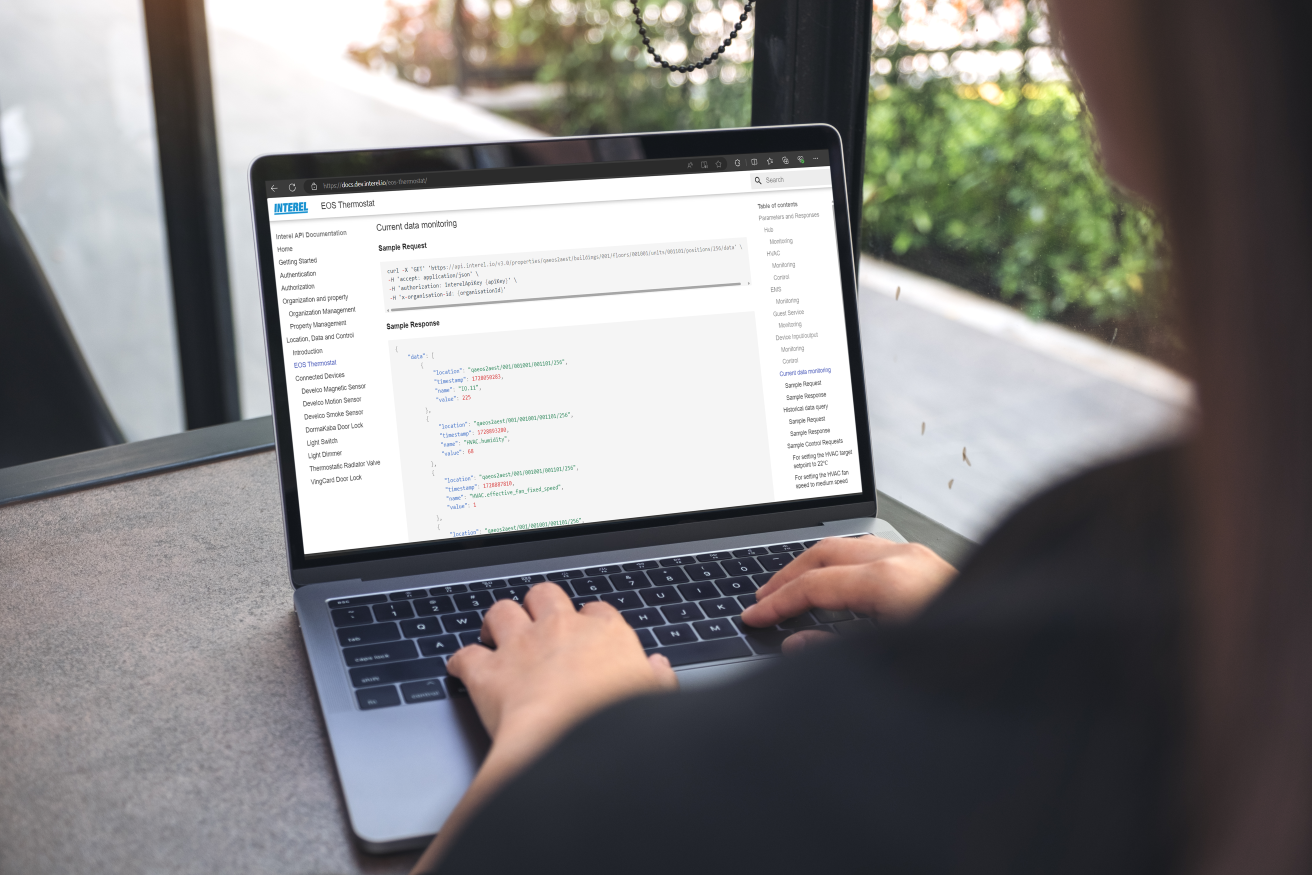
Enterprise-Grade API for Smart Building Integration

Turn our smart building solutions into a perfect fit for your use cases and applications.

Everything You Need to Integrate and Control

Stylized icon of a virtual reality headset with a smiling face, combining the headset's front with a smiling mouth and eyes

Device Control
Control thermostats, lighting, and in-room systems in real time.

Blue cloud icon with a circular arrow and an upward pointing arrow inside it on a black background.

Live Data Access
Retrieve occupancy, environmental
data, and device runtime instantly.

Blue puzzle piece icon inside a black circle, representing puzzle or problem-solving.

System Integration
Connect with PMS, workflow tools,
and third-party platforms.
Blue outline of a house with interconnected nodes inside.

Automation Ready
Trigger actions based on occupancy or events.

Powered by

Digital control panel with temperature display set at 73°F, featuring icons for various smart building and environmental sensors such as WiFi, cloud updates, leak detection, and occupancy detection.

Designed for Performance and Flexibility

Close-up of a person's hand typing on a black computer keyboard at a well-lit desk with potted plants and a computer monitor in the background.

Developer-First

Clean endpoints, structured data, and easy integration.
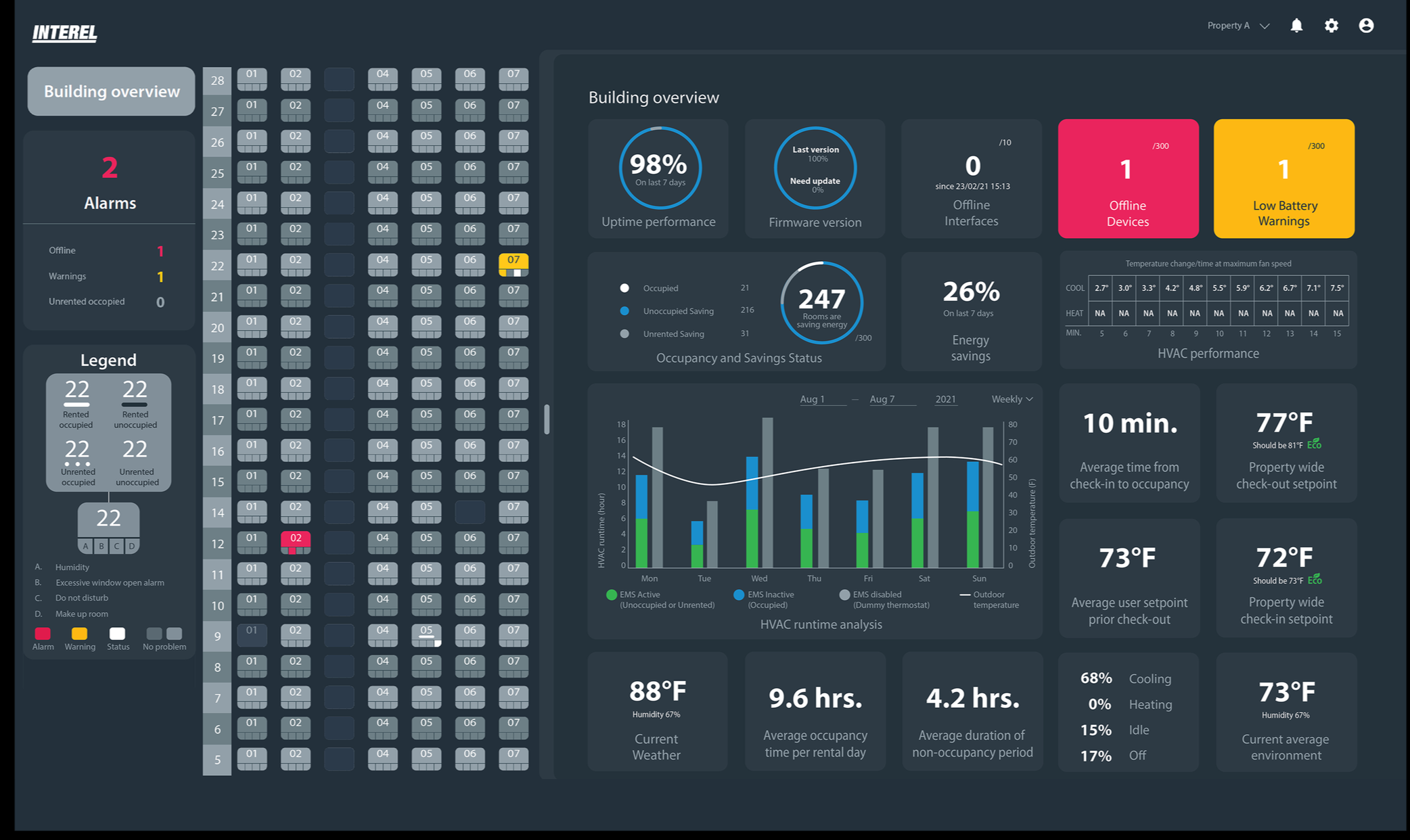
Dashboard screen showing building management data, including alarms, occupancy, temperature, humidity, energy savings, and HVAC performance.

Real-Time Insights

Live data streams for smarter, faster decisions.
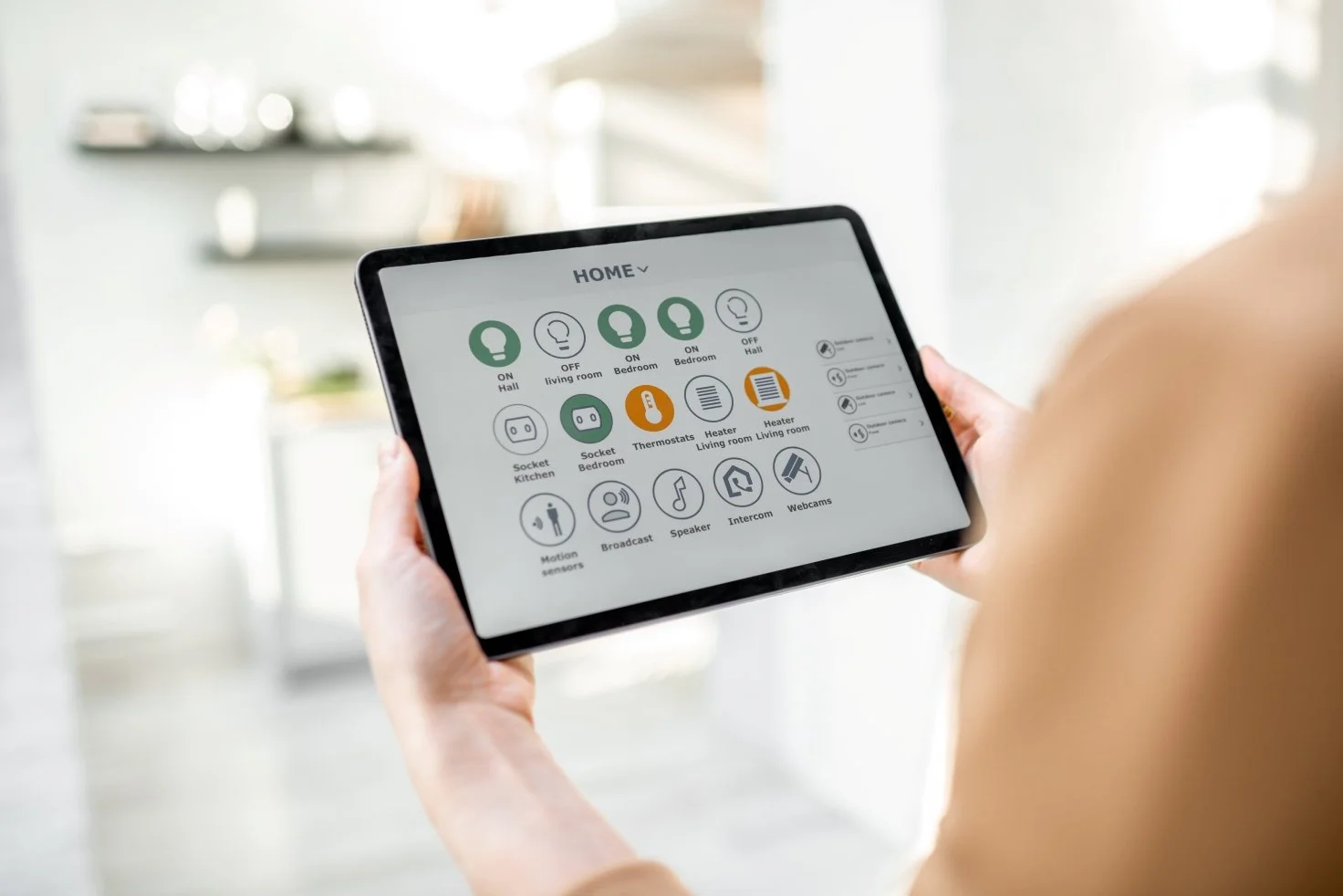
Person holding a tablet displaying a smart home control interface with icons for lights, sockets, thermostats, and cameras.

Integration Ready

Build dashboards, automate workflows, and create custom logic.

Built for Every Smart Environment
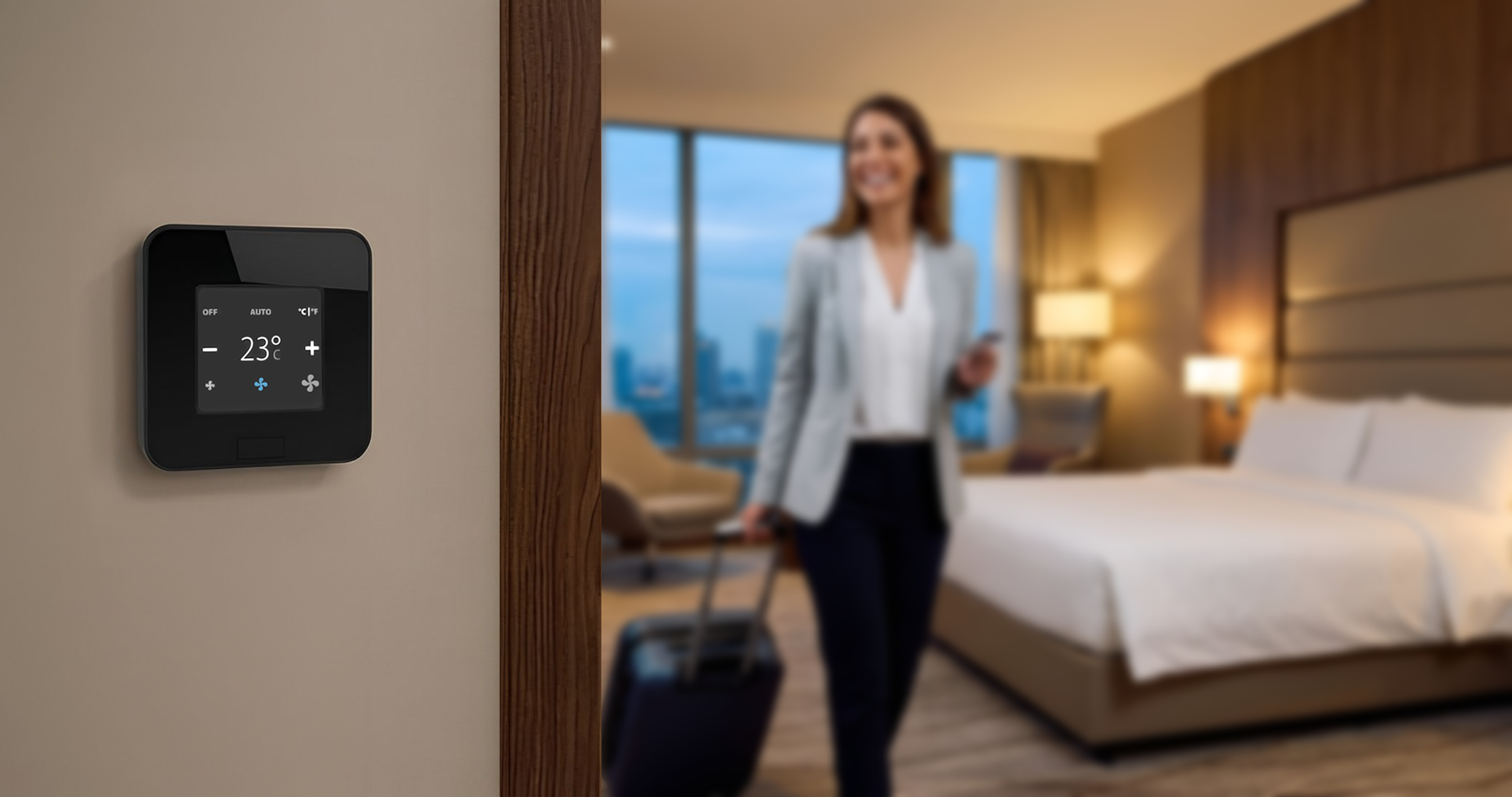
Close-up of a digital thermostat set to 23°C on a beige wall in a hotel room. In the background, a woman in a blazer is smiling and holding a phone, standing near a luggage bag in front of a large window with city views, a bed with white linens, and a lit bedside lamp.
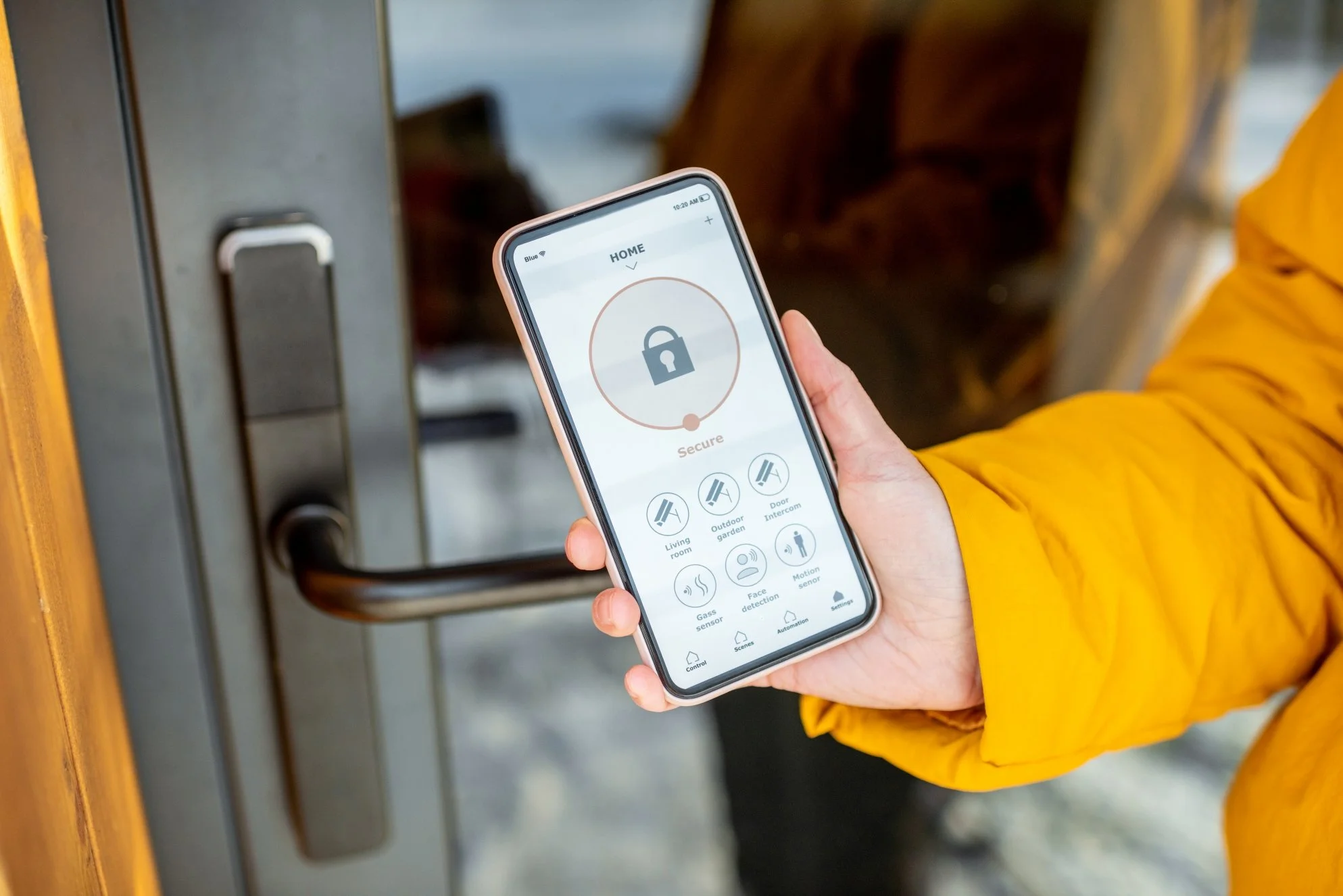
Person in a yellow jacket pressing a smartphone with a smart home control app near a door lock.
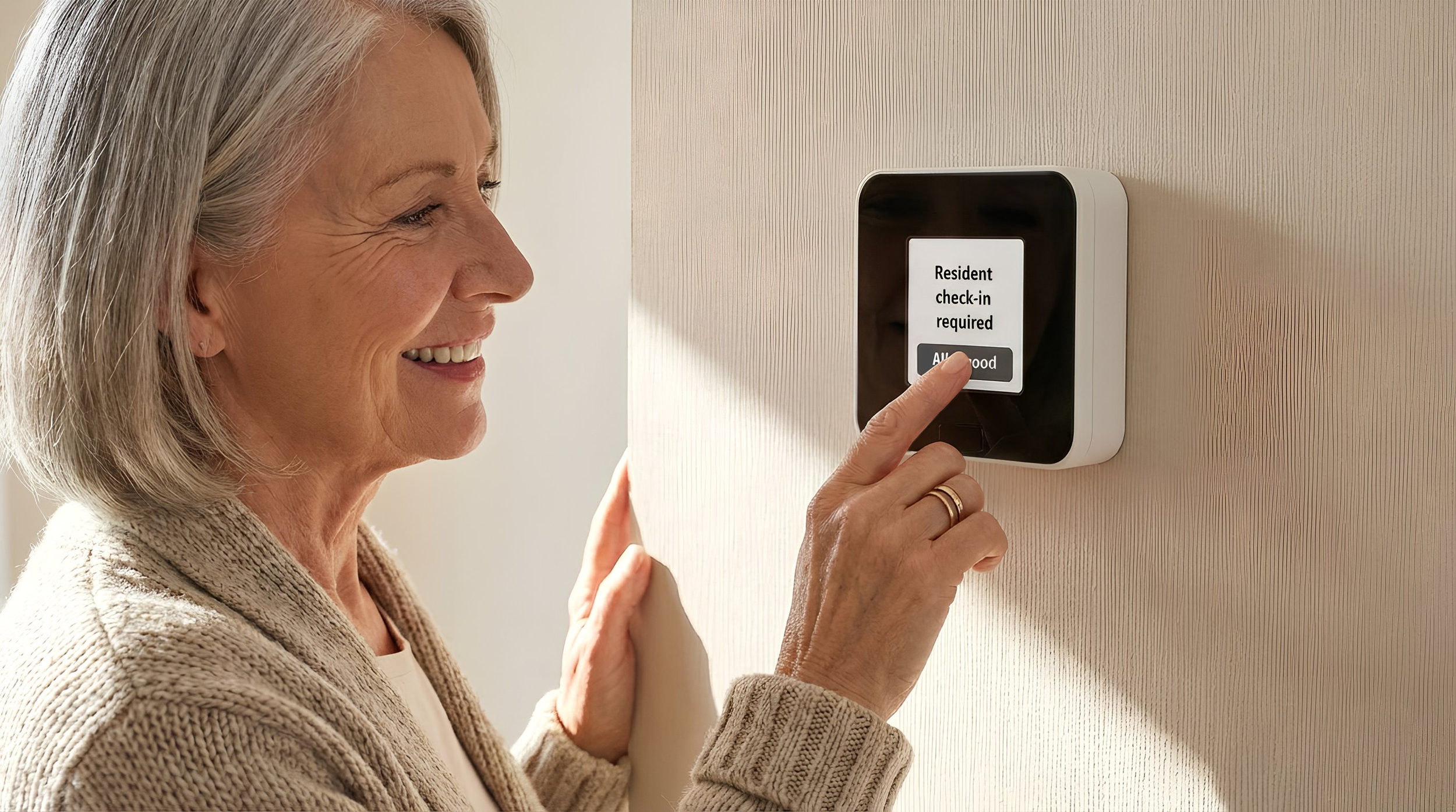
An elderly woman with gray hair smiling as she uses a finger to press the screen of a wall-mounted device that reads 'Resident check-in required'.

What Our Partners Are Building

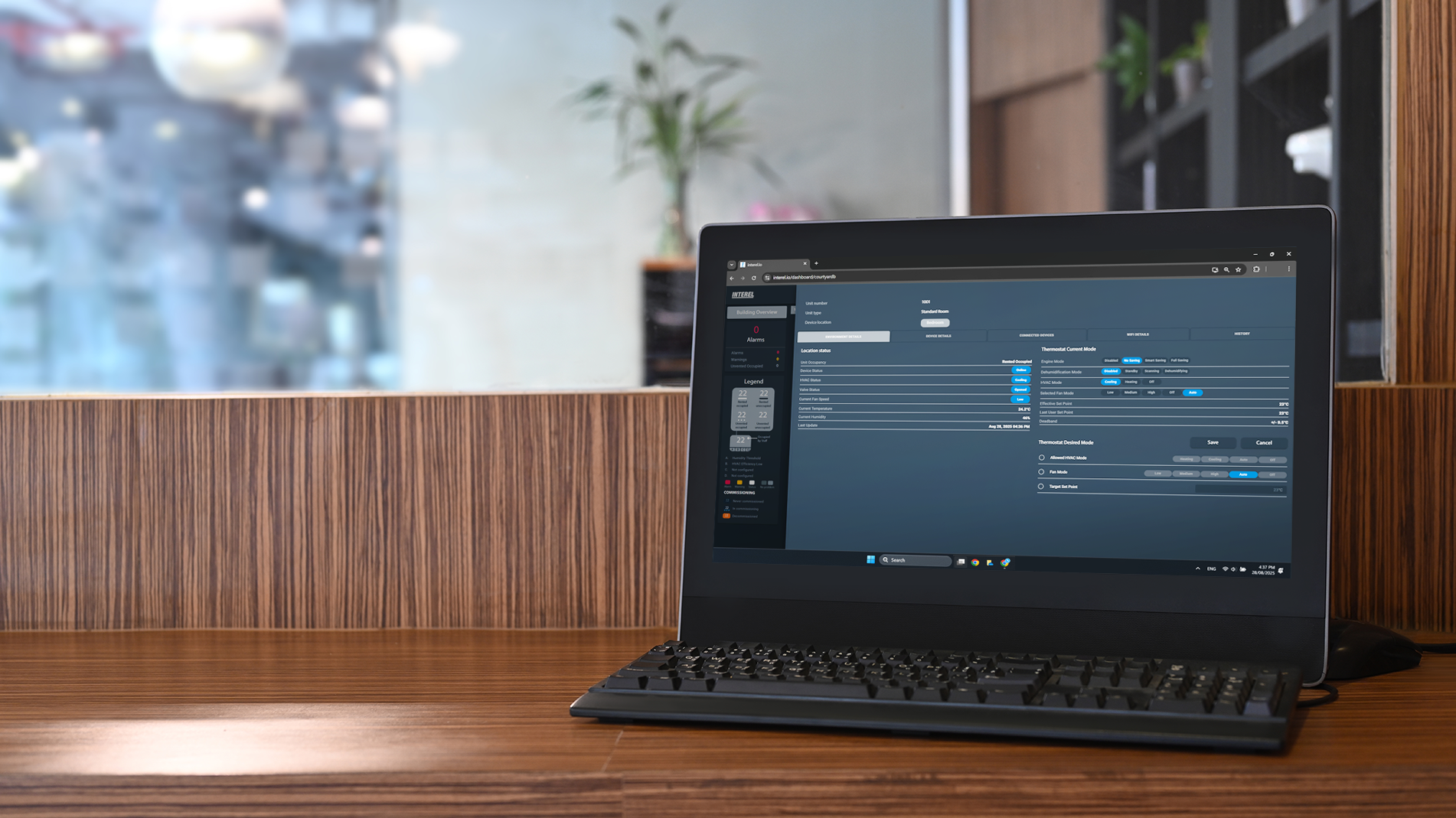
A computer monitor on a wooden desk displays a dashboard with various data and charts. The background is blurred, showing a window with a window ledge and some plants inside.

Energy Management Dashboards

Close-up of a person in a navy vest and white shirt holding a tablet

Housekeeping Automation Workflows

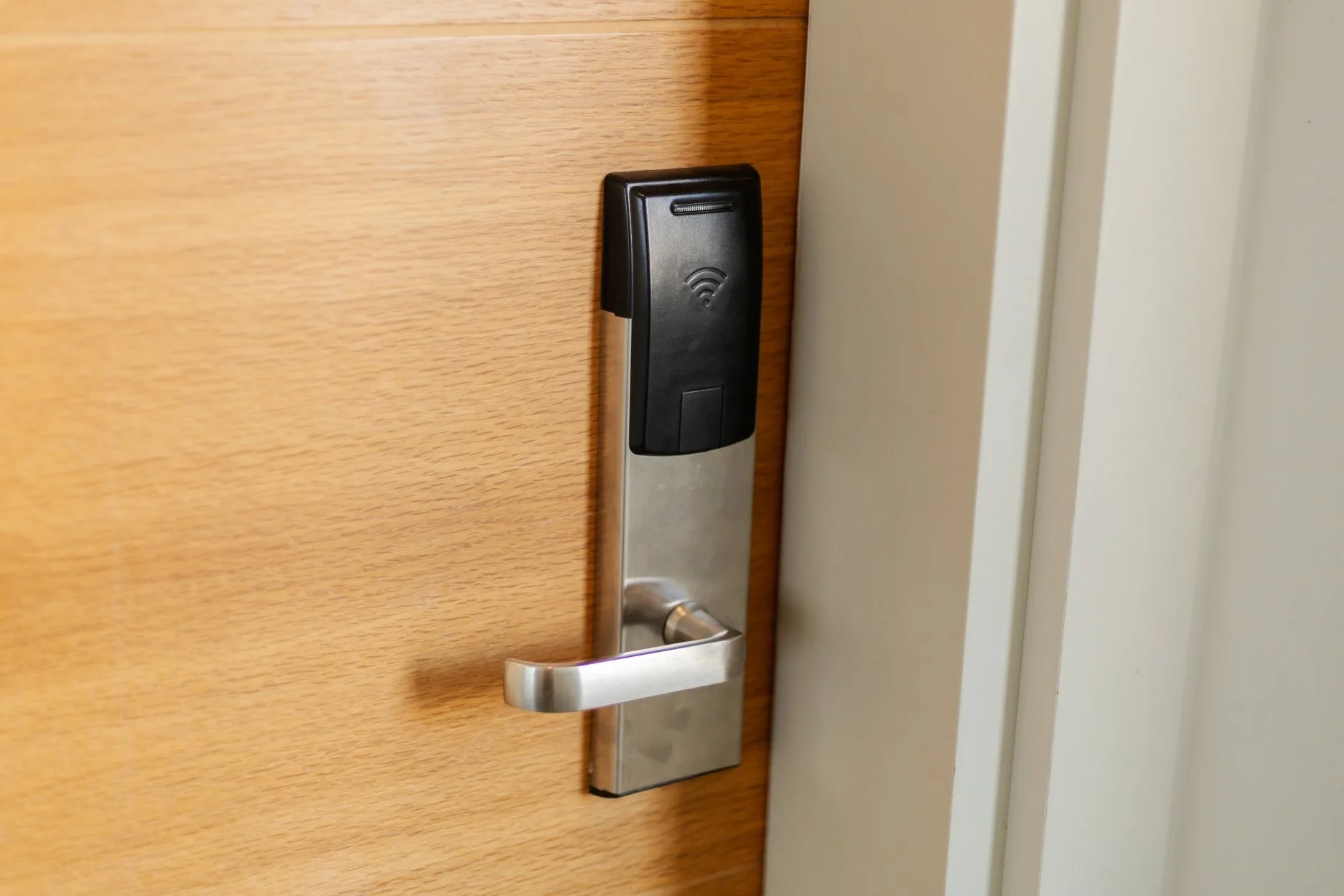
Smartphone with a Wi-Fi symbol on the screen, attached to a door lock, installed on a wooden door.

Maintenance Alert Systems

A person in a suit using a laptop computer indoors near a window.

Multi-Property Monitoring Platforms

Trusted by Our Integration Partners

Real-World Automation Workflows

See how INTEREL’s API connects devices, systems, and applications to automate real-world operations.

Open API, Built for Integration

Easily connect EOS to your existing Building Management System (BMS) or guest experience apps.
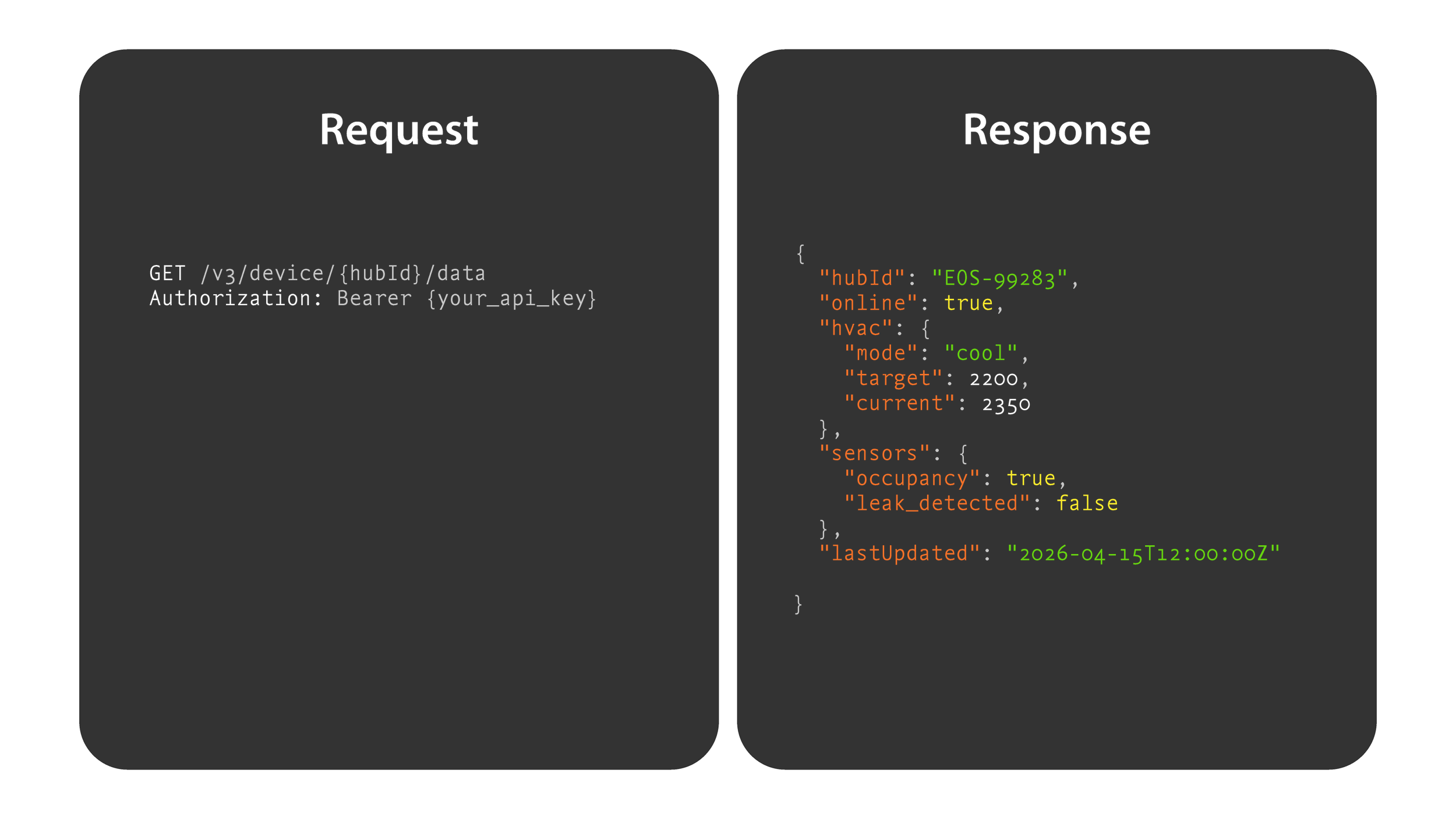
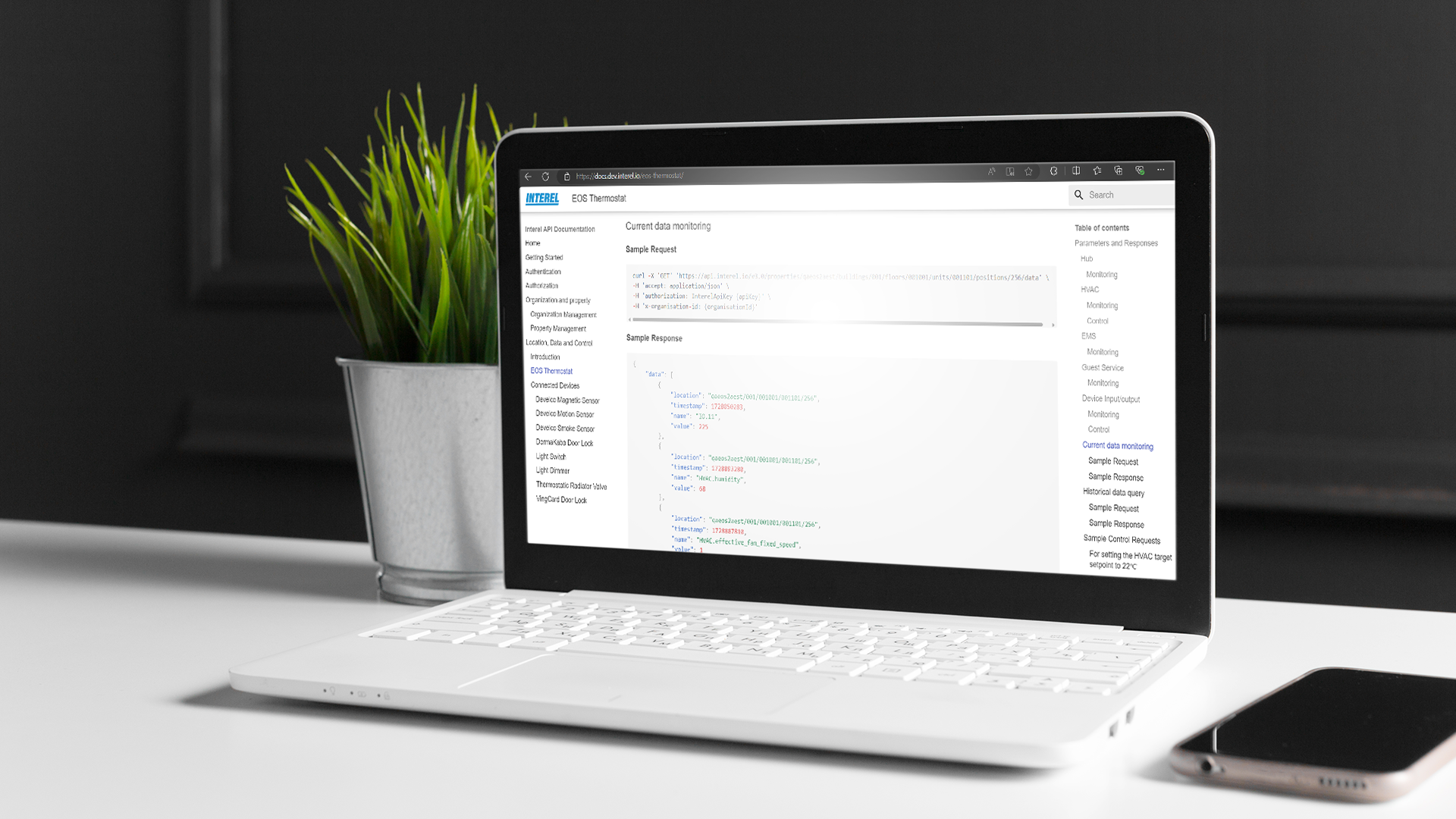
Diagram illustrating request and response cycle for an API call, with example GET request for device data and JSON response with device status details.

The request and response shown are simplified for clarity and marketing purposes. Actual API payloads are more comprehensive and vary by endpoint, configuration, and implementation.

Start Building with the INTEREL Demo Case

A ready-to-use kit with EOS and connected devices. Designed to help partners test integrations, build applications, and demonstrate real use cases.
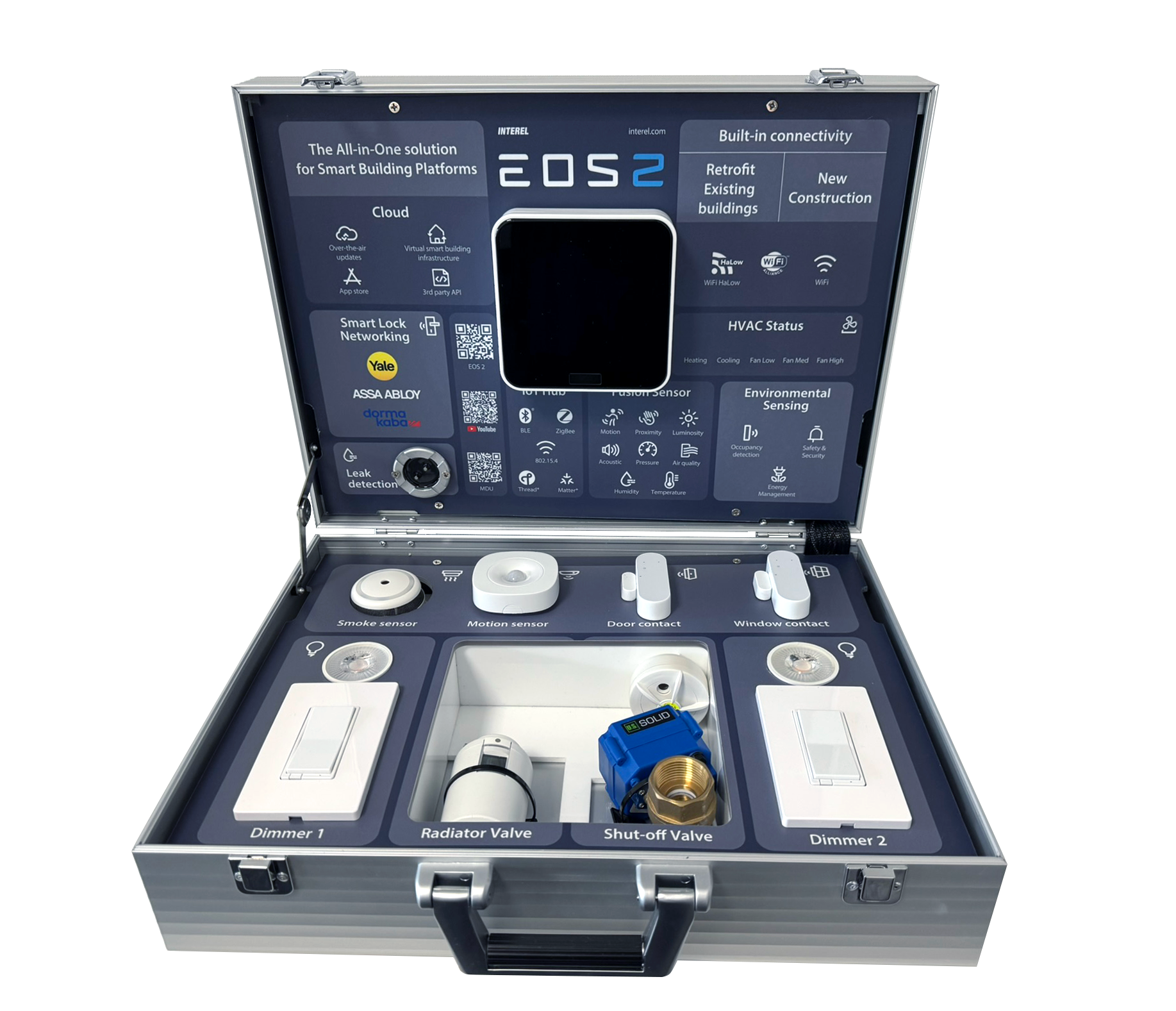
A mobile smart building management system with various sensors and controllers, including dimmers, valves, sensors, and connectivity features, displayed in an open metallic case.
  • Pre-configured EOS device

  • Includes sensors, switches, and controls

  • Real-time testing environment

  • Ideal for demos and presentations

Scalable, Streamlined Architecture
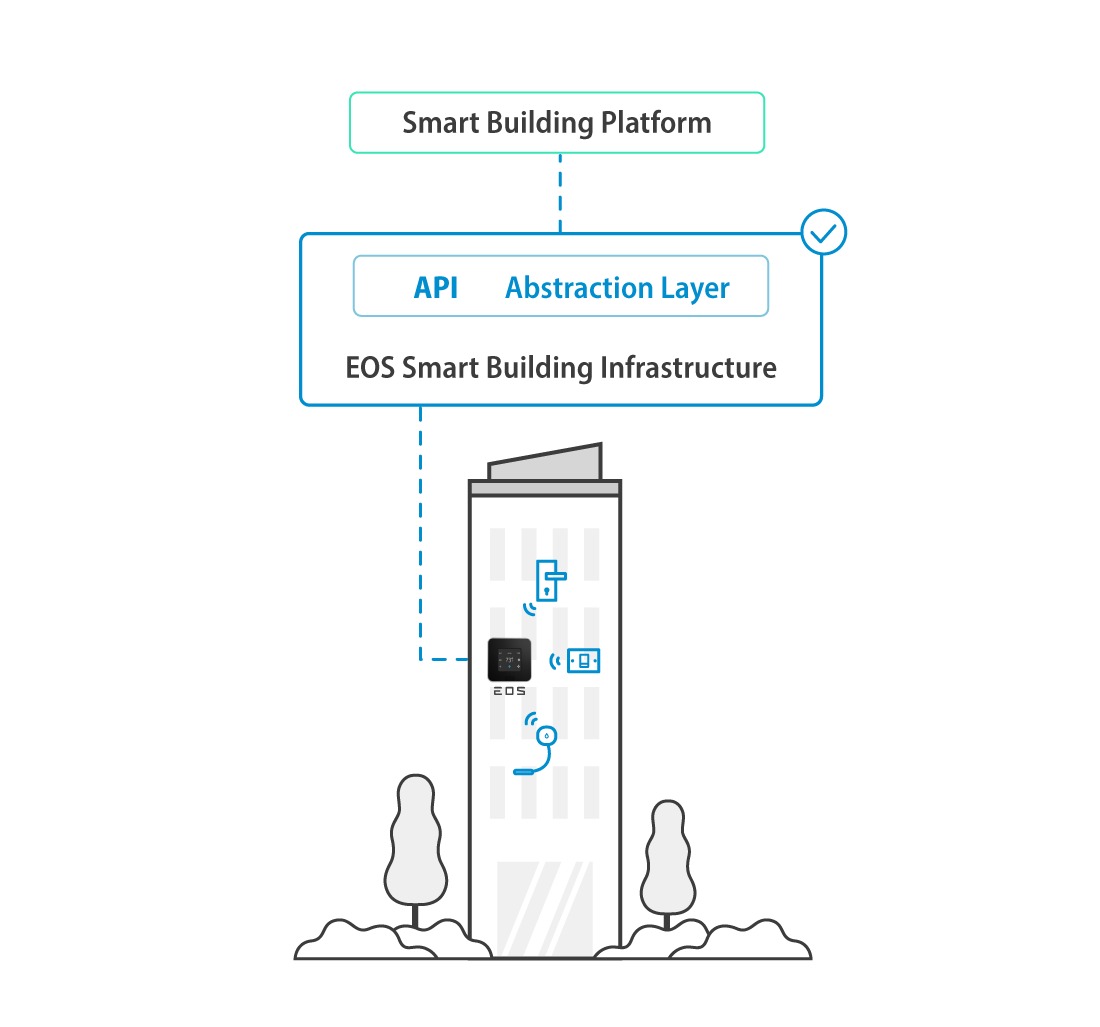
Diagram showing a multi-story building equipped with smart building technology, connected through an API abstraction layer to a smart building platform. The building features various icons indicating devices such as a security camera, thermostat, and sensors, with snow and snow-covered trees at the base of the building.

1

Devices Connect to EOS

2

EOS manages and synchronizes data

3

API Enables External Integration and Control

Works With

INTEREL Controllers:

The logo of the American TV show 'The Big Bang Theory,' featuring the show's title with the number '2' in blue.

Connected Devices:

Blue electrical outlet with a switch in the center.
Sun icon with a blue circle in the center and eight blue rays radiating outward on a black background.
Icon illustrating a digital thermometer with steam rising, indicating heat or temperature
Blue stethoscope with black sound hole on a white background.
Icon of two blue capsules, one larger and one smaller, representing medication or pills, on a black background.
Simple black icon of a smiling face wearing glasses and a nose, with a blue food bowl or pet dish at the mouth area.
Icon of a heater with steam lines underneath, indicating heating or warmth.
Blue icon of a radiator with three wavy lines representing heat or air flow.

Light Switches

Light Dimmers

Thermostatic Radiator Valves

Wireless Leak Sensors

Wireless Magnetic Sensors

Wireless Motion Sensors

Wireless Smoke Sensors

Wireless HVAC Gateways

Door Lock Integrations:

Silhouette of six children jumping on a lush green lawn with trees and a cityscape in the background.

Enterprise-Grade Security

Encrypted Communication (TLS)

Icon of a globe with a smartphone next to it, representing global connectivity or internet access.

All communications between your applications and in-room devices are protected using Transport Layer Security (TLS), ensuring data is encrypted in transit to safeguard sensitive information and prevent unauthorized interception.

Secure Authentication
& Access Control

White neon outline of a hand holding a set of keys against a black background.

Authenticate securely using API keys with fine-grained access control, allowing precise control over which devices, resources, and API operations each application can access.
Start Building with INTEREL

Unlock real-time control and data across your smart building ecosystem.